Wintics
Systems Security Intern
- Period
- Jun 2025 - Aug 2025
- Location
- Paris, France
Overview
I built an Ansible hardening framework and Python CLI for Ubuntu systems, automated compliance audits and remediation, and wrote deployment and troubleshooting documentation.
Tools & standards
The environment
Wintics runs video-analysis software on Ubuntu machines hosted by its customers, sometimes without internet access. My task was to harden these machines while keeping Cityvision working.
Hardening tool
I wrote Ansible roles based on CIS and ANSSI recommendations, with tags and exclusions to select which rules to run. I added a Python CLI so operators could apply rules, check status, and run audits without calling the playbooks directly.
Audits
The audits check services, firewall state, critical file permissions, and kernel parameters. I cached rule status to avoid repeating unchanged checks and batched Ansible handlers to reduce repeated service restarts and configuration reloads.
Operational documentation
I documented deployment and troubleshooting procedures so operators could apply the hardening rules, check the resulting configuration, and investigate failures.
Ubuntu compatibility
The move to Ubuntu 24 exposed Python package isolation and Ansible interpreter issues. I investigated virtual environments and ansible_python_interpreter to keep the deployment scripts working.
Cityvision and Visionary
I automated vision-language model (VLM) integration in the Cityvision installer. In Visionary, I added internationalization and conversation cleanup features for sales demonstrations.
From the internship
Team
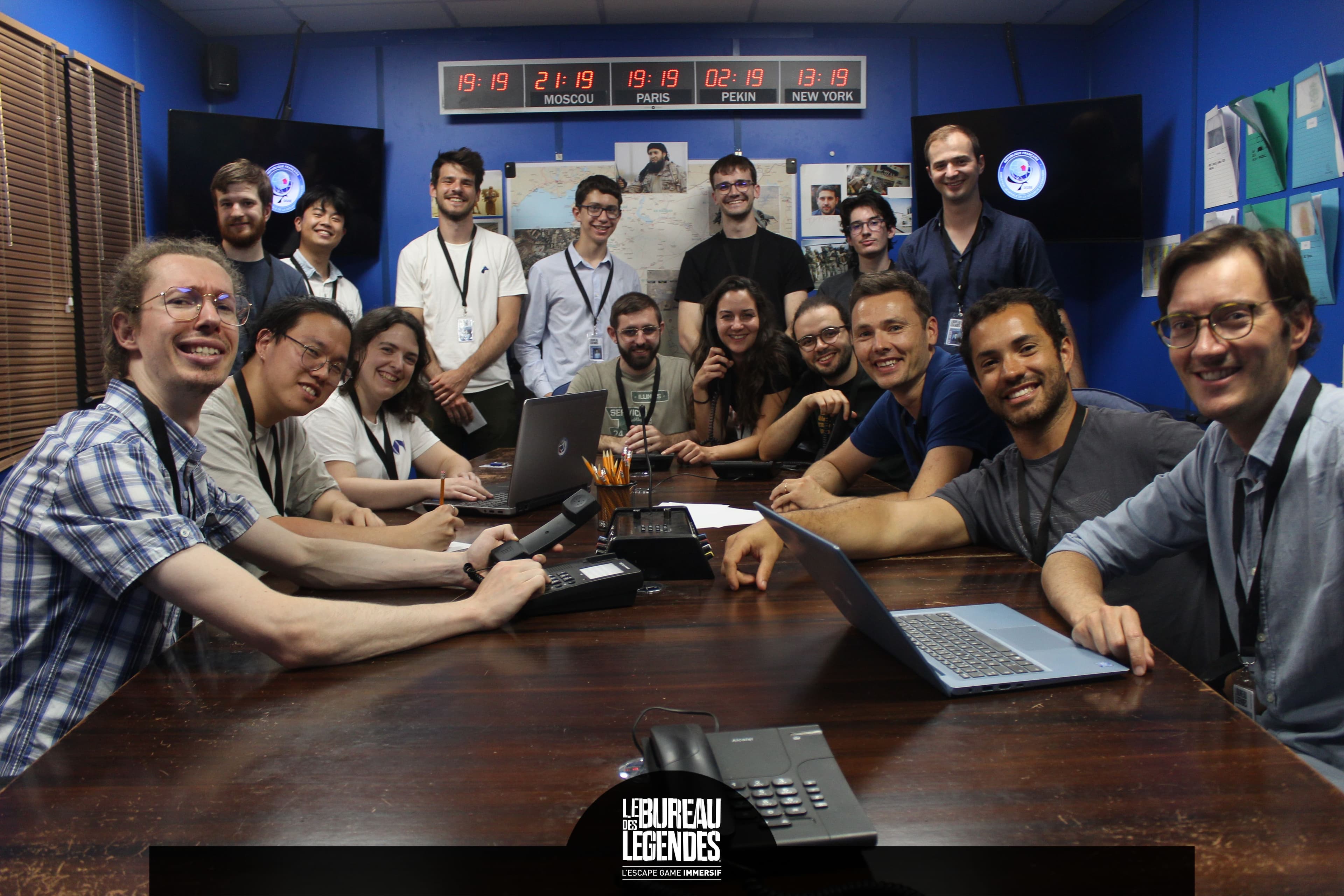
Wintics team
Team photo from the Wintics internship.
Product context
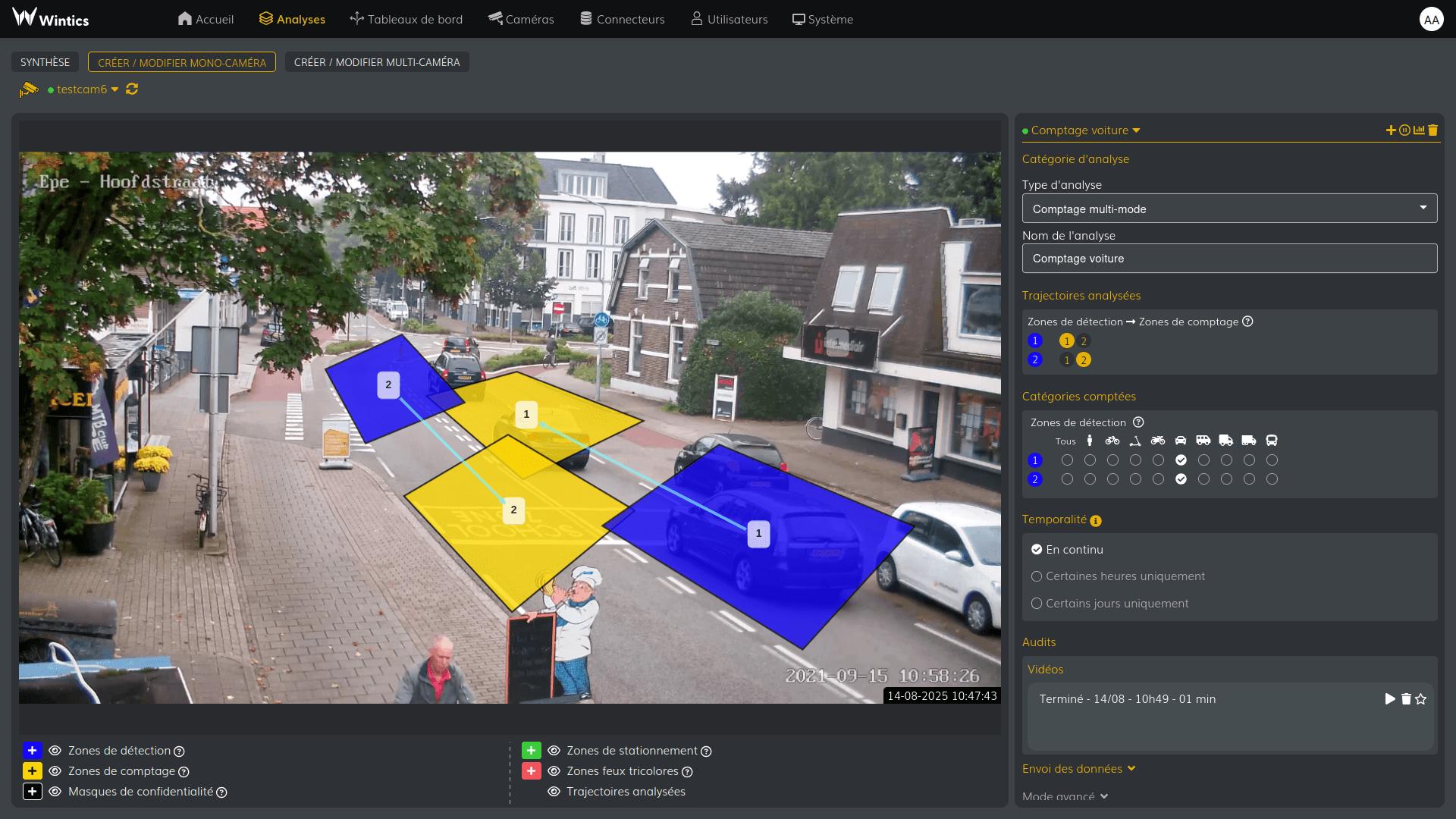
Cityvision analysis setup
Camera streams with analysis zones and trajectories configured in Cityvision.
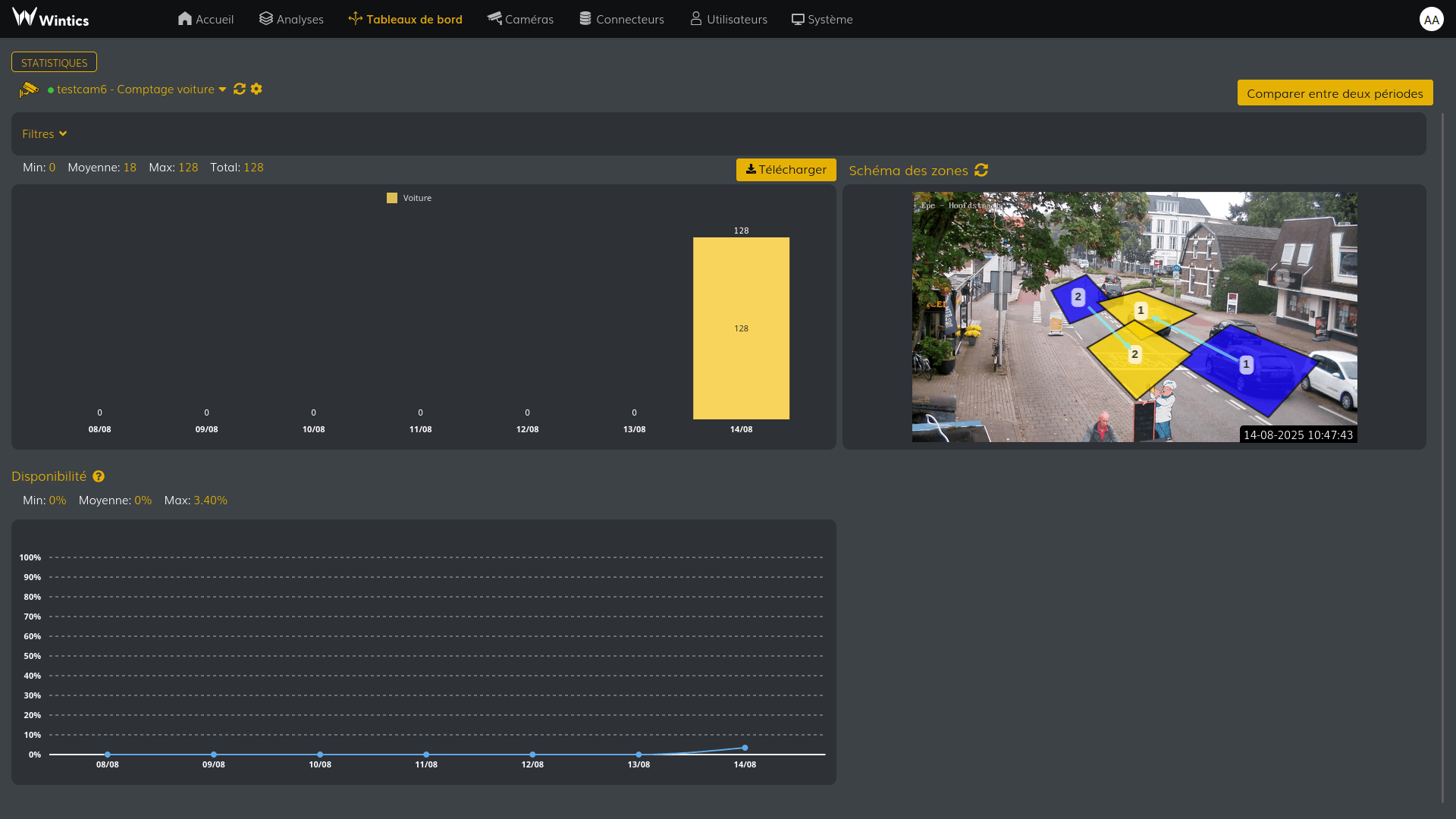
Generated indicators
The Cityvision dashboard on the Ubuntu systems covered by the hardening work.
Hardening CLI
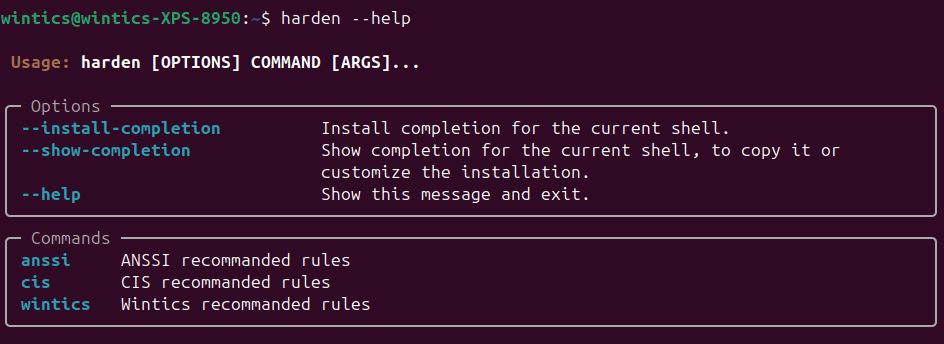
CLI help
The harden command's help page for ANSSI, CIS, and Wintics rules.
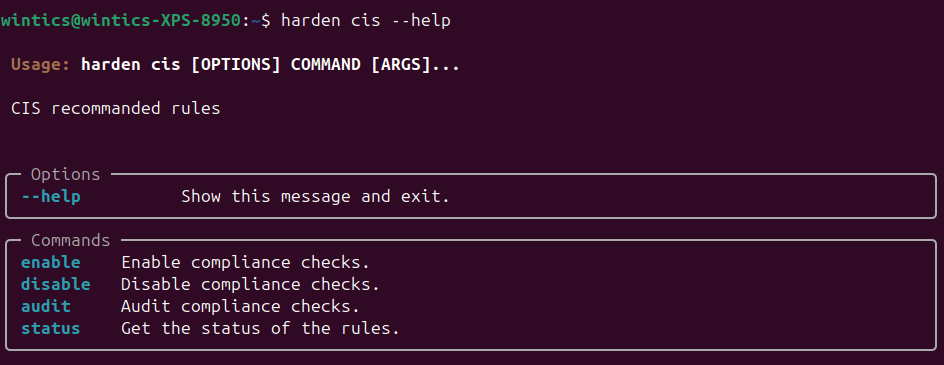
CIS commands
Commands to apply rules, inspect status, and run audits.
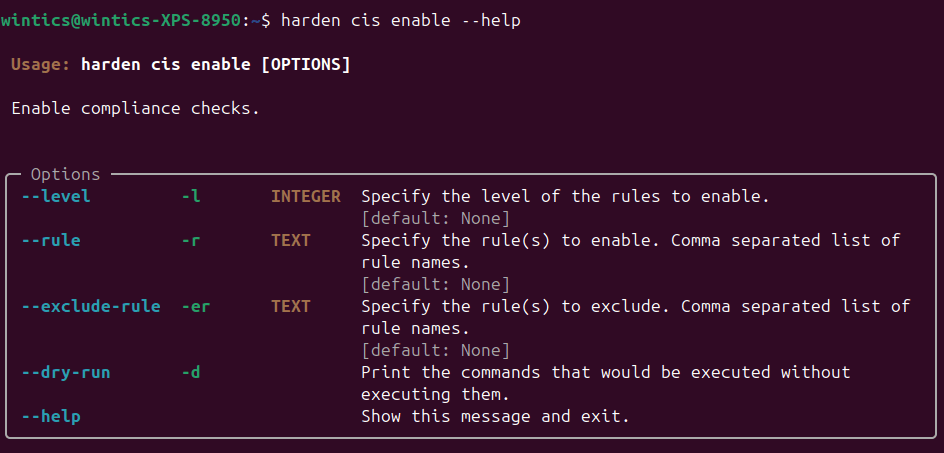
Selecting rules
Options to choose levels or individual rules, exclude checks, and preview a run.
Audits
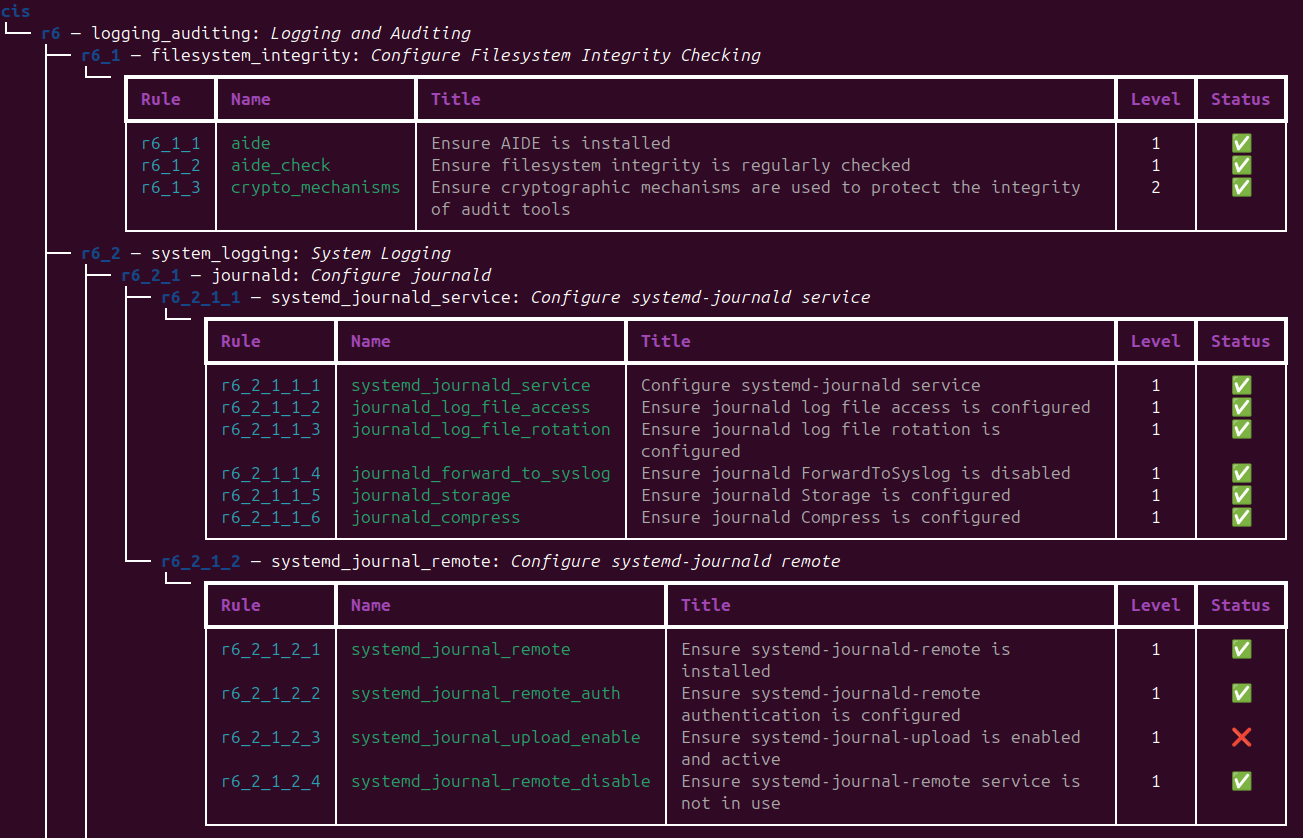
Compliance status
CIS controls grouped by chapter, with a compliance result for each rule.
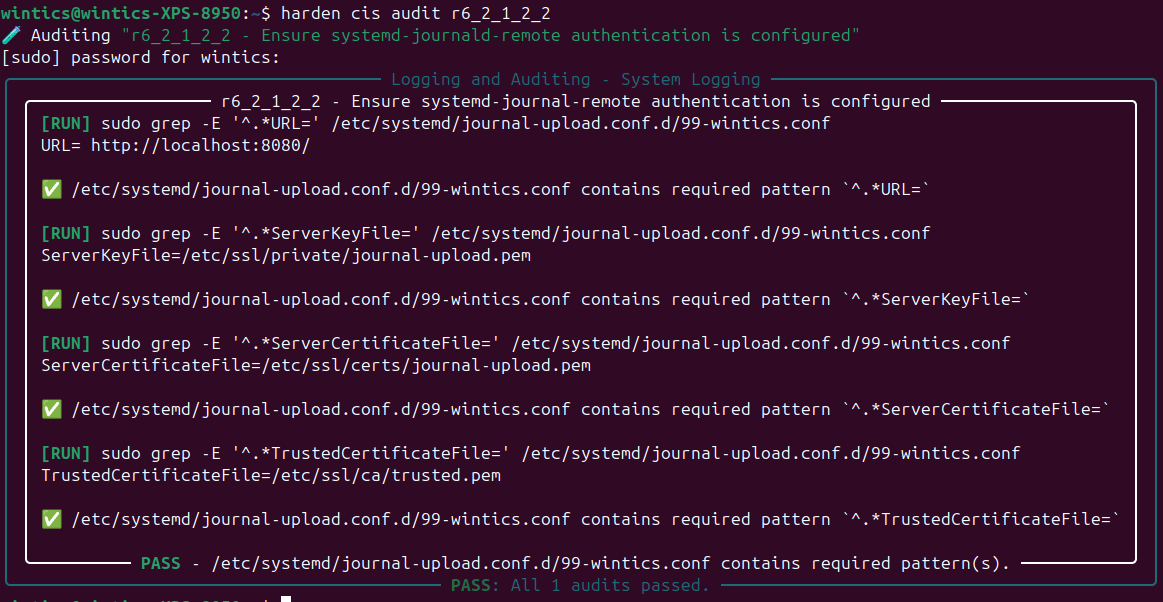
Audit output
The commands and checks used to verify that a rule was applied.
Visionary frontend
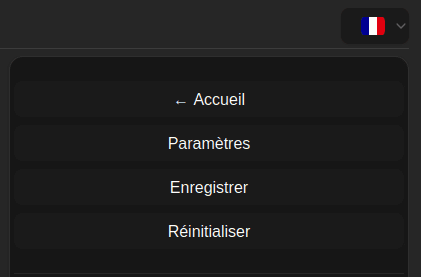
French interface
Visionary in French, with the language selector.
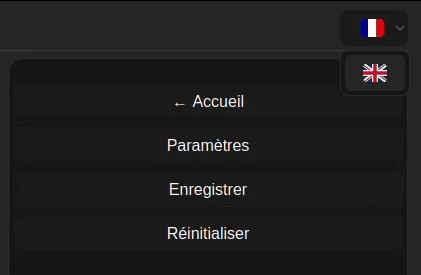
Language switcher
Switching between French and English during a demo.
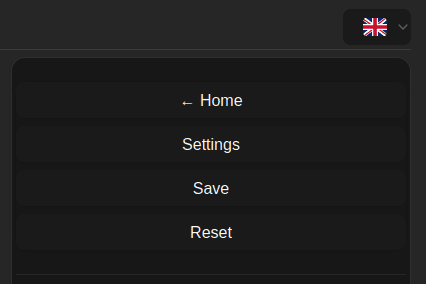
English interface
The same Visionary interface in English.
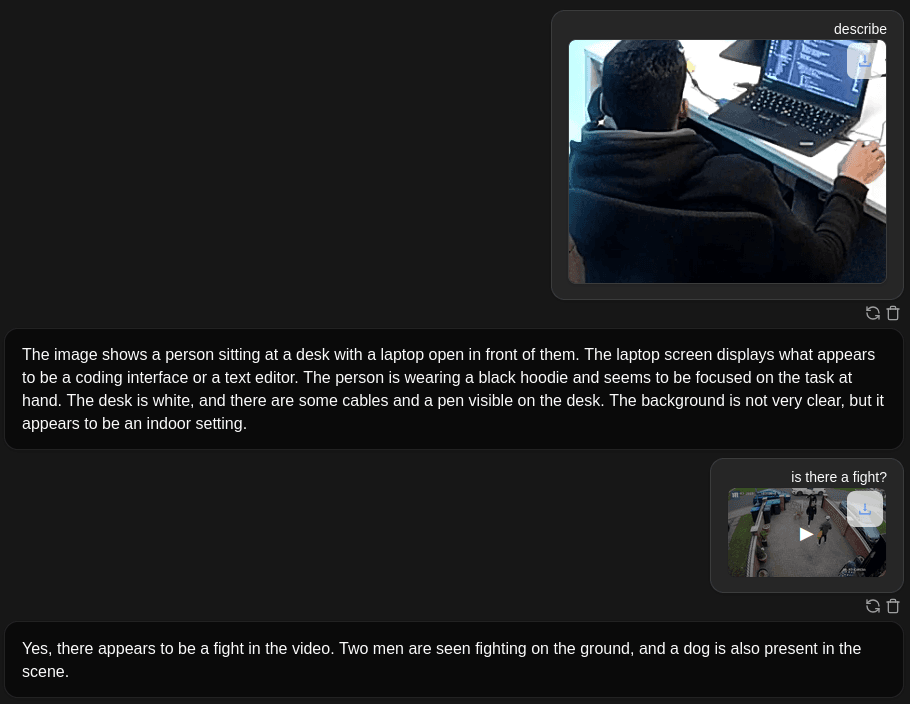
Conversation management
Image and video prompts in Visionary, where I added conversation cleanup controls.